



LinkedIn lets recipients display credentials in their professional profiles. Issuers should explain what each credential recognises and how it can be verified.
These digital badges, often based on the Open Badge standard developed by Mozilla, offer a modern and verifiable way to recognize and display skills and accomplishments.
This guide covers badge design, award criteria, issuance and sharing on LinkedIn.
Understanding Digital Badges
The Complete Digital Badge Definition
Digital badges are online representations of skills, accomplishments, or certifications earned by individuals. They are often used to validate and showcase achievements in various fields, including education, professional development, and training. These badges can be displayed on websites, social media profiles, or online resumes.
Benefits of Digital Badges
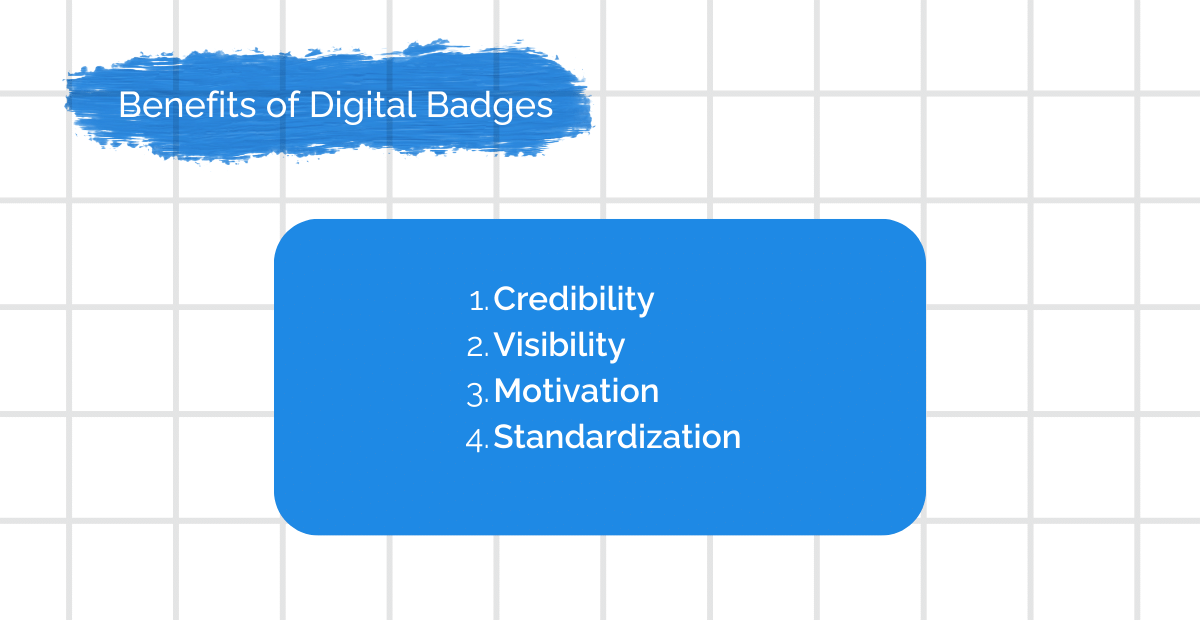
- Credibility: Digital badges provide a verifiable way to prove one’s skills and achievements, enhancing credibility.
- Visibility: They allow individuals to showcase their qualifications to a broader audience, including potential employers or collaborators.
- Motivation: The pursuit of earning badges can motivate individuals to continuously improve their skills.
- Standardization: Using open badge standards ensures compatibility and consistency across different platforms.
Preparing for Badge Creation
Identify Your Target Audience
Before creating digital badges, identify who you want to target with these credentials. Are they your employees, students, customers, or a broader online community? Understanding your audience will help you tailor your badge criteria and design to their specific needs.
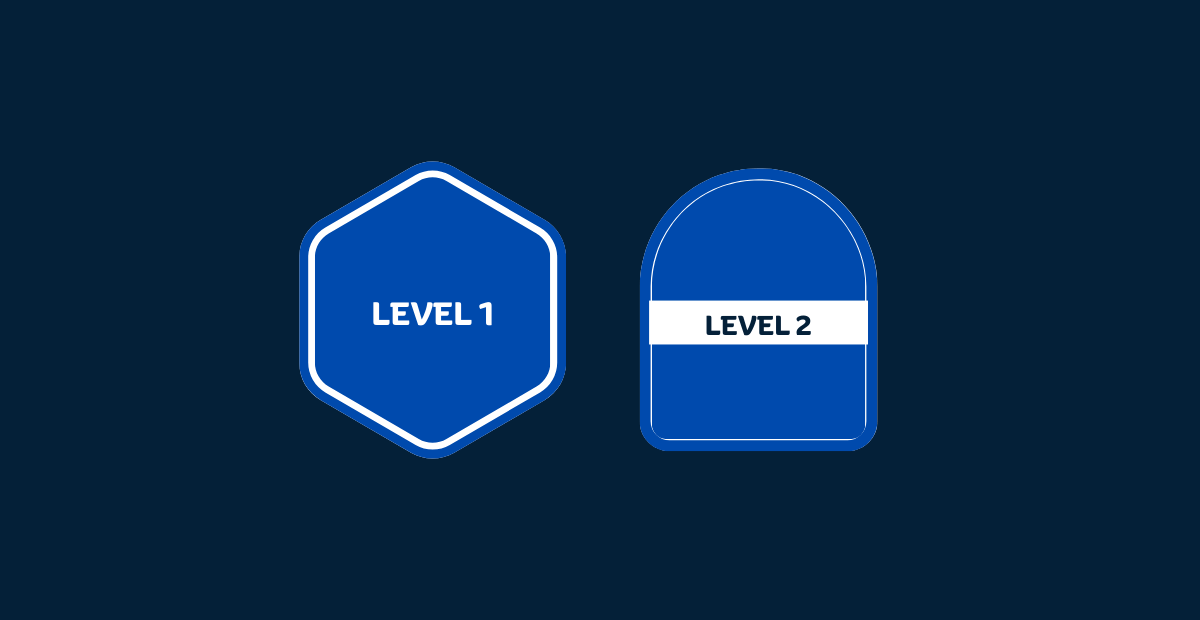
Choose a badge, a certificate or both according to your award requirements and how recipients will use the record.
Define Badge Criteria
Clearly define the requirements for earning a badge. What skills or accomplishments should someone demonstrate to receive your badge? Ensure that these criteria are both achievable and valuable to your target audience.
Designing Your Badge
The visual design of your badge matters. It should be eye-catching, professional, and represent the achievement it signifies. Consider hiring a graphic designer if you lack design skills. Be mindful of accessibility and ensure your badge is easy to perceive and understand.
Creating Your LinkedIn Digital Badge
Choosing a Badge Platform
Select a digital credentialing service or tool for creating and managing your digital badges. Some popular options include CertifyMe , Credly and Accredible. Ensure that the platform supports the Open Badge standard for interoperability.
Selecting Badge Elements
- Badge Image: Upload your badge design, adhering to the recommended image dimensions.
- Badge Name: Give your badge a clear and concise name that reflects its purpose.
- Badge Description: Provide a detailed description of the badge’s criteria and significance.
- Badge Expiry (Optional): Decide if your badge should expire after a certain period.
- Badge Tags: Add relevant tags to help users discover your badge.
Customizing Badge Metadata
Include metadata such as issuer information, criteria, and badge alignment. This metadata ensures the badge’s authenticity and compliance with open badge standards.
How to Make Your Badge Verifiable?
-
Implement Open Badge Standard: To ensure the credibility of your badges, follow the Open Badge standard developed by Mozilla. This standard includes metadata that makes it possible to verify the badge’s authenticity.
-
Badge Issuing Process: Establish a clear process for issuing badges to individuals who meet the criteria. This process should include verification steps to prevent fraudulent badge claims.
Further Reading : Best Alternatives to Credly Badges
How to Share Your Badge on Linkedin?
Uploading Your Badge
- Log in to your LinkedIn profile.
- Go to your “Profile” and click on the “Add profile section” button.
- Select “Licenses & Certifications.”
- Fill in the required information, including the name, issuer, and issuance date of your badge.
- Upload the badge image or link to the badge hosted on your badge platform.
- Adding a Badge Description
- Write a compelling description of your badge. Explain its significance, the skills it represents, and how it benefits the recipient. This description will help viewers understand the value of your badge.
Promoting Your Digital Badges
-
Announce the badge programme through your institution’s website, newsletters and relevant channels. Explain eligibility, award criteria and how recipients can share their credentials.
-
Leveraging Employee Advocacy: Encourage your employees to share their earned badges on their LinkedIn profiles. This not only showcases their skills but also promotes your company’s commitment to professional development.
Monitoring and Analyzing Badge Engagement
-
Measuring Badge Impact: Use analytics tools to track badge engagement. Measure the number of badges issued, views, and clicks on LinkedIn. Assess the impact of badges on skill development and career advancement.
-
Gathering Feedback: Collect feedback from badge earners and viewers by reviewing types of feedback to guide improvements. Understand their experiences with the badge system and make improvements based on their suggestions.
Conclusion
Before launching, confirm award criteria, recipient details, branding and verification. Give recipients clear instructions for adding the credential to LinkedIn.
Frequently Asked Questions
How do I make my company's badges look good on LinkedIn?
Use a clear layout, readable text and your institution’s brand colours. Check the badge at small sizes before issuing it.
Will my employees actually share these?
Explain the achievement and provide sharing instructions. Recipients decide whether to share; issuing a badge does not guarantee sharing or engagement.
How do I stop people from making fake claims?
That’s why we use the Open Badge standard. It includes metadata that makes the badge verifiable. If someone tries to claim a badge they didn’t earn, the verification check will fail—simple as that.
Can I track how many people are seeing these badges?
Yes! Use our analytics tools to see the number of shares, views, and clicks. It’s honestly the best way to see the actual impact your badge program is having on your company’s visibility.